What is Simplify3D Print Quality Guide used for?
In-depth guide to understanding and improving 3D print quality with practical tips and troubleshooting techniques.

In-depth guide to understanding and improving 3D print quality with practical tips and troubleshooting techniques.
Note: I have not personally tested and verified all tools listed on printer.tools. Please ensure to do your own research and due diligence before using any tool or service. Printer.tools aims to be a helpful directory of useful tools and resources for the 3d printing community. If you find any issues with a listed resource, please let me know.
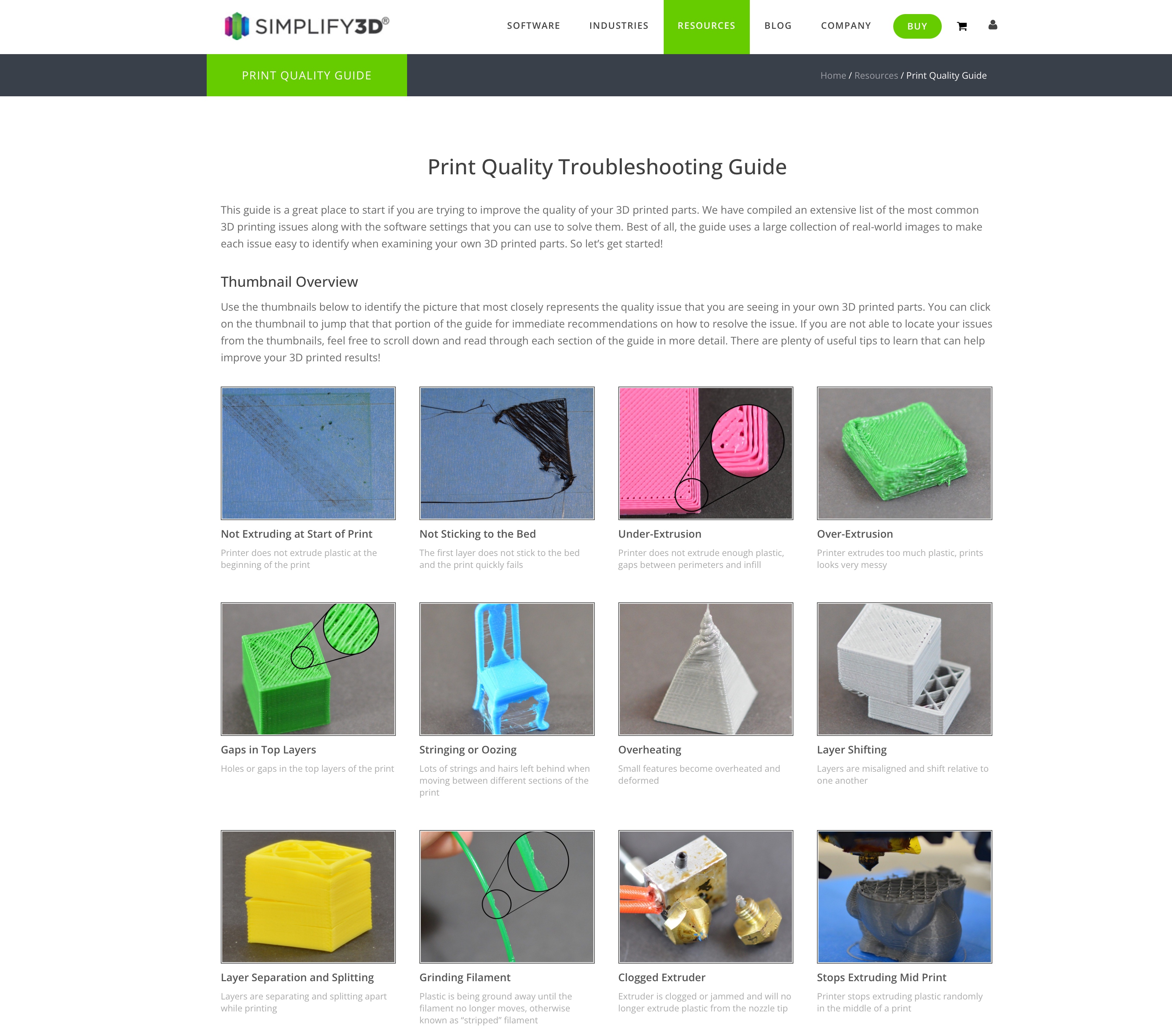
The Simplify3D Print Quality Troubleshooting Guide is a comprehensive resource designed to help 3D printing enthusiasts identify and resolve common print quality issues. This visual guide features an extensive collection of real-world images showcasing 23+ different printing problems, from under-extrusion and stringing to layer adhesion and overheating issues.
The guide uses a thumbnail overview system that allows users to quickly identify their specific problem by matching it to provided images, then click through for detailed solutions. Each issue includes multiple causes and corresponding software settings adjustments within Simplify3D to resolve the problem.
Key features include troubleshooting for mechanical issues, temperature variations, filament quality problems, and extruder settings. The guide covers both basic and advanced solutions, making it suitable for all experience levels. It leverages Simplify3D’s deep industry knowledge from working with 3D printer manufacturers worldwide to provide proven solutions for maximizing print quality and achieving professional results.
In-depth guide to understanding and improving 3D print quality with practical tips and troubleshooting techniques.
Simplify3D Print Quality Guide is listed on printer.tools as: Free. Always check the official website for current pricing or plan limits.
Simplify3D Print Quality Guide is listed for Web.