What is Zoo Text-to-CAD used for?
Zoo Design Studio couples traditional B-rep modeling with machine-learning powered Text-to-CAD, generating production-grade solids while keeping code-based KCL edits and desktop workflows in sync.


Zoo Design Studio couples traditional B-rep modeling with machine-learning powered Text-to-CAD, generating production-grade solids while keeping code-based KCL edits and desktop workflows in sync.
Note: I have not personally tested and verified all tools listed on printer.tools. Please ensure to do your own research and due diligence before using any tool or service. Printer.tools aims to be a helpful directory of useful tools and resources for the 3d printing community. If you find any issues with a listed resource, please let me know.
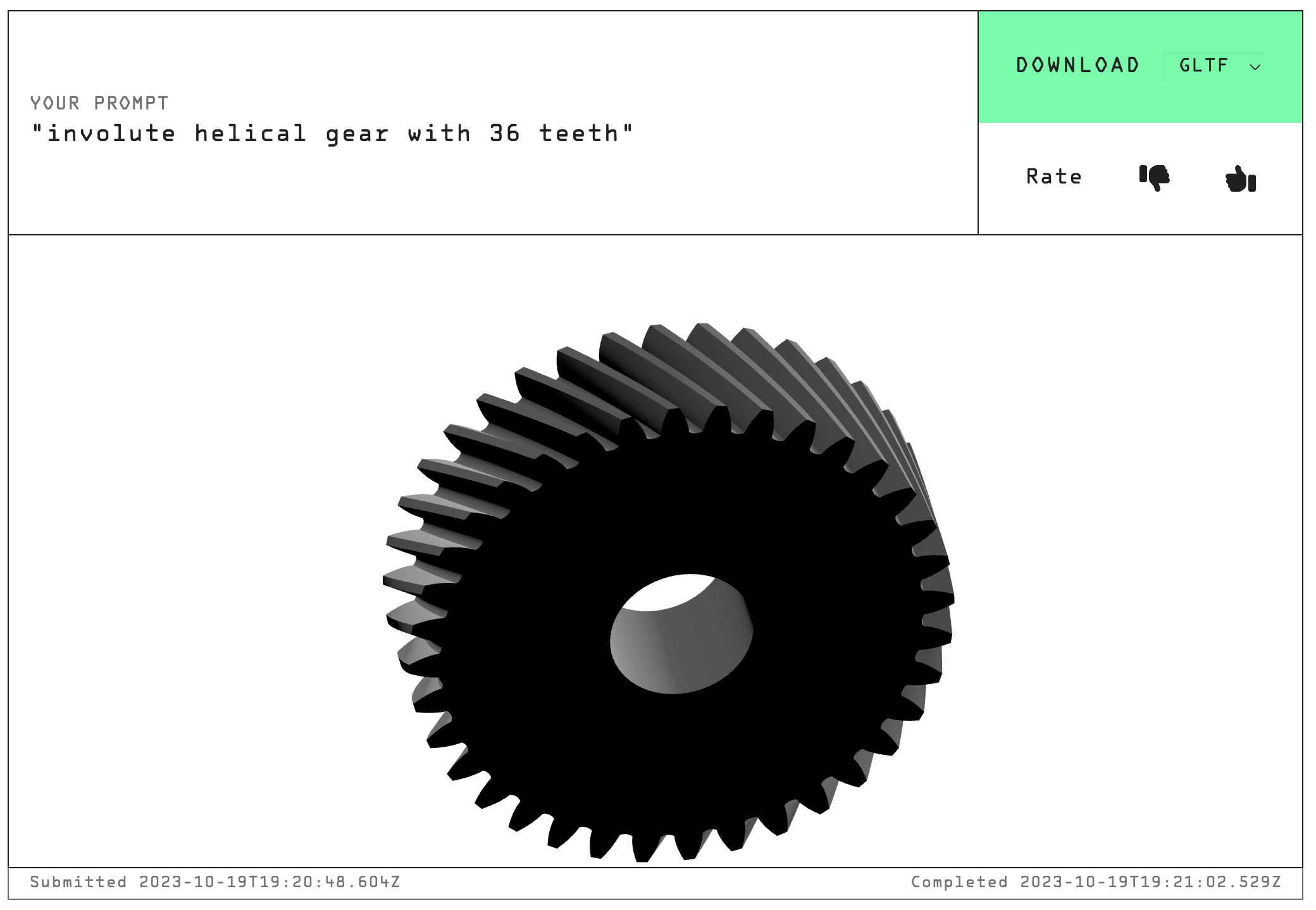
Zoo Text-to-CAD layers machine learning on top of KittyCAD’s professional-grade B-rep kernel, delivering production-class solids that still obey strict dimensional constraints. The system speaks natural language prompts, but every result can be refined with KCL code, desktop tooling, or the browser-based sandbox.
Because the output sits on a B-rep foundation, you can export models as STEP, Parasolid, or STL while preserving design intent. Use Text-to-CAD for the first draft, then polish hole callouts or tolerance-critical faces in Zoo Design Studio before handing the file to your slicer or CAM pipeline.
Zoo Design Studio couples traditional B-rep modeling with machine-learning powered Text-to-CAD, generating production-grade solids while keeping code-based KCL edits and desktop workflows in sync.
Zoo Text-to-CAD is listed on printer.tools as: Free tier + usage-based. Always check the official website for current pricing or plan limits.
Zoo Text-to-CAD is listed for Web, Windows, macOS, Linux.